Your Money,
Clear at Last

Connect Monobank, set budgets, track goals, and chat with your AI money manager — all in one place.

🏦 Monobank Integration 🔐 GDPR Compliant
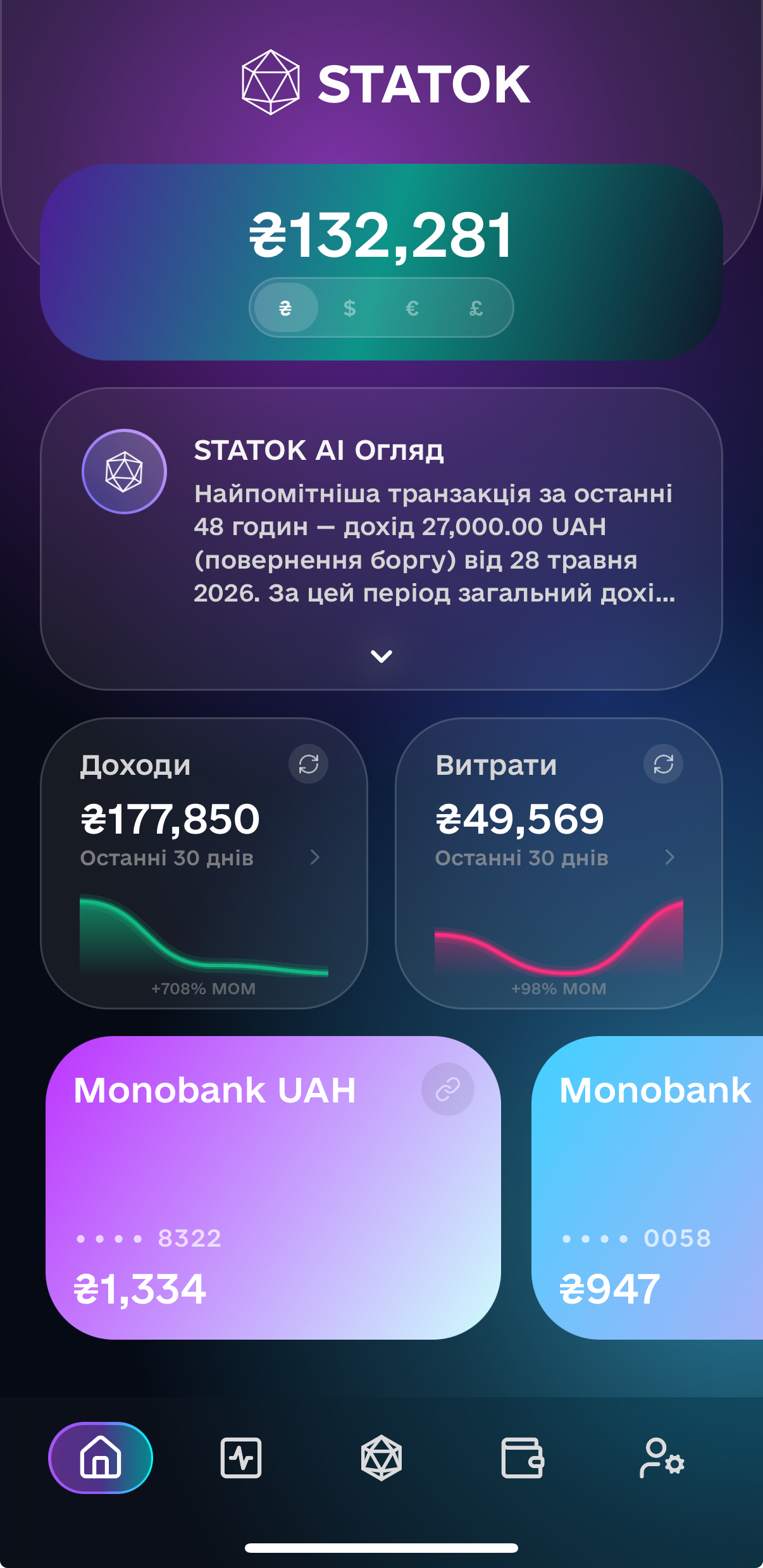
Home Screen
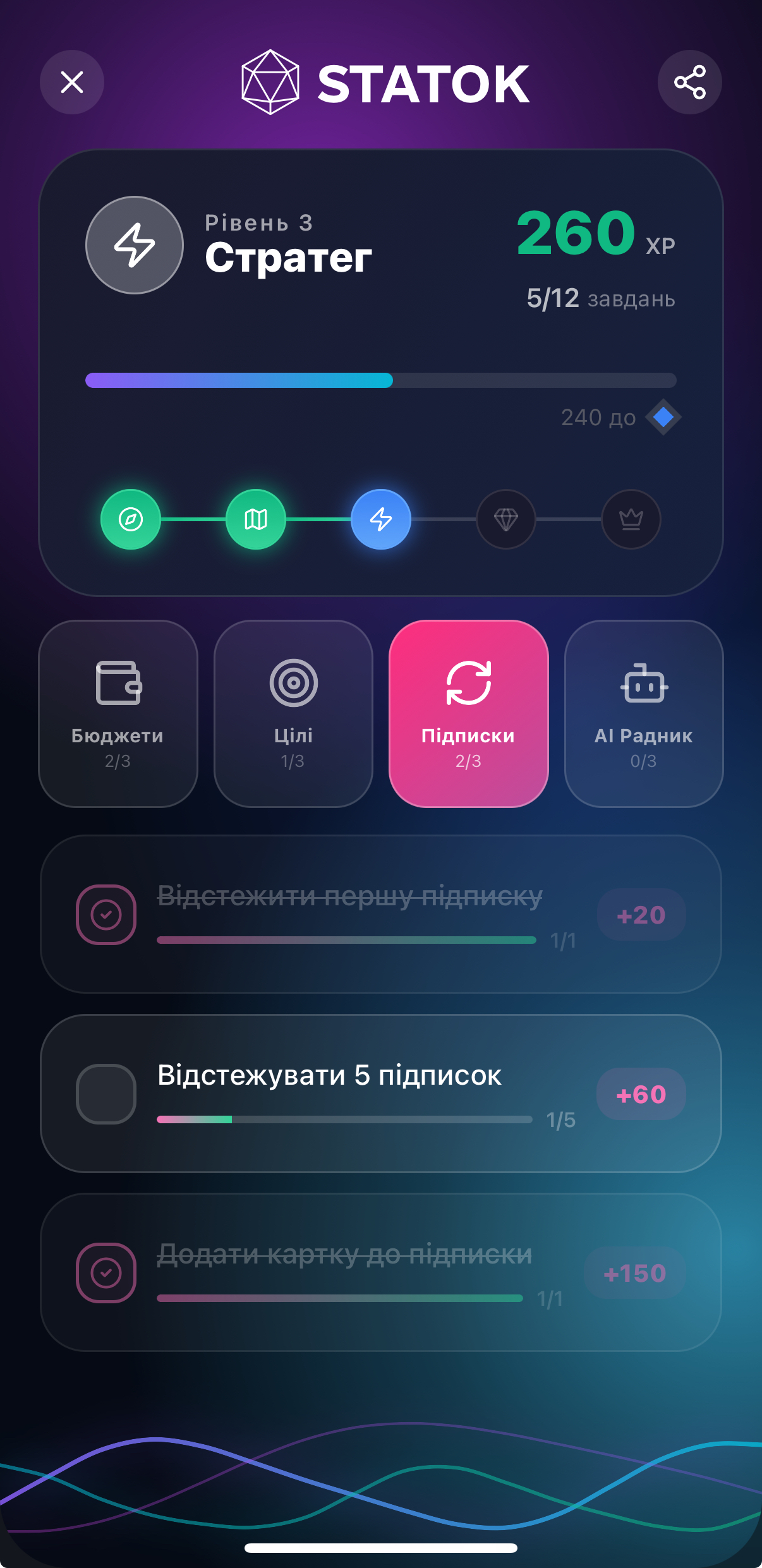
Level Screen

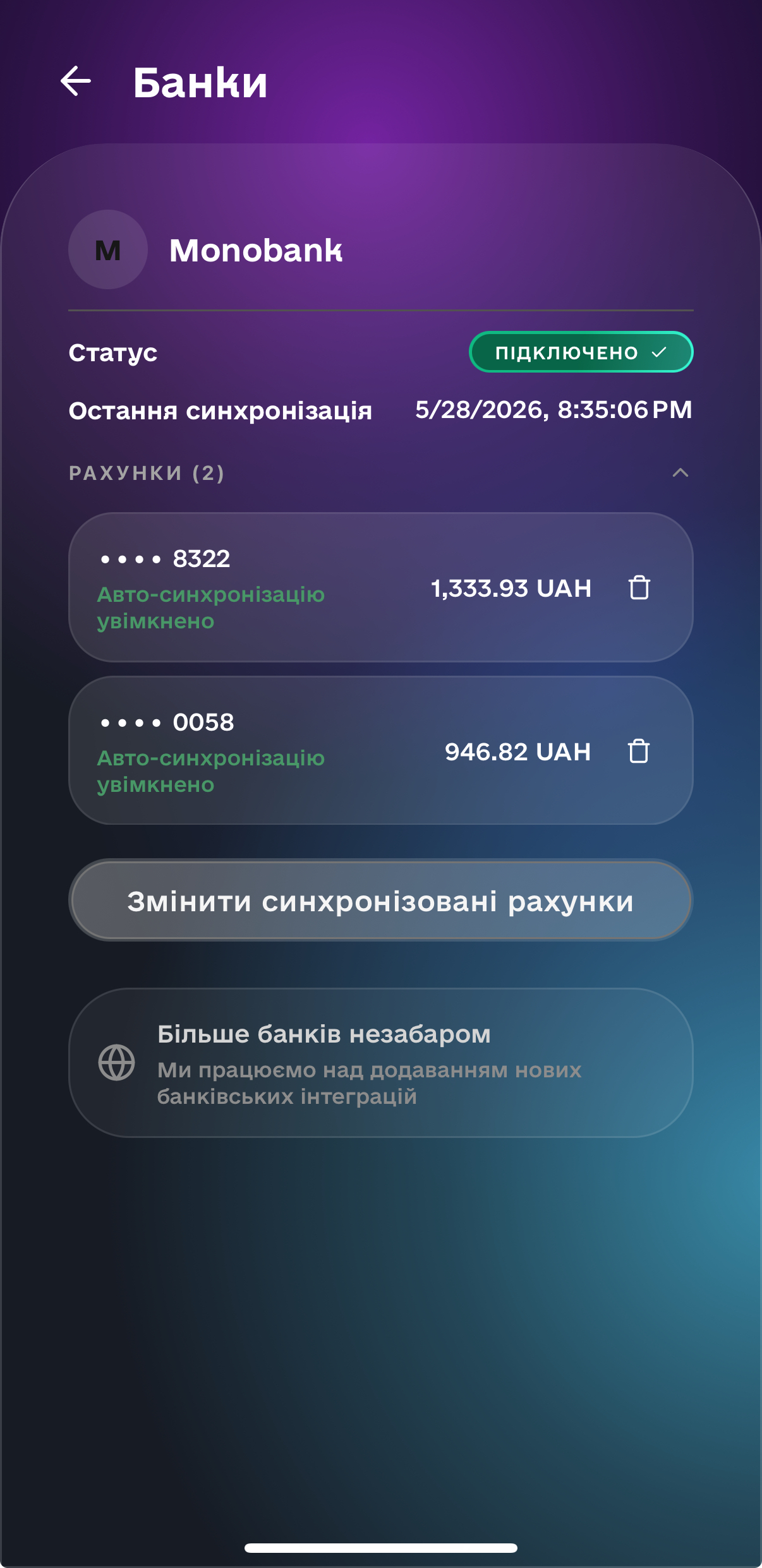
Monobank Sync

Connect once. Your accounts, cards, and full transaction history sync automatically — in real time, with no manual entry.

AI Money Manager

Ask anything about your money. Your assistant knows your spending history, current budgets, and savings goals — and remembers your past conversations.

Smart Categorization

Merchant codes, merchant names, and AI work together to categorize every transaction correctly. No manual tagging required.

Budget Tracking

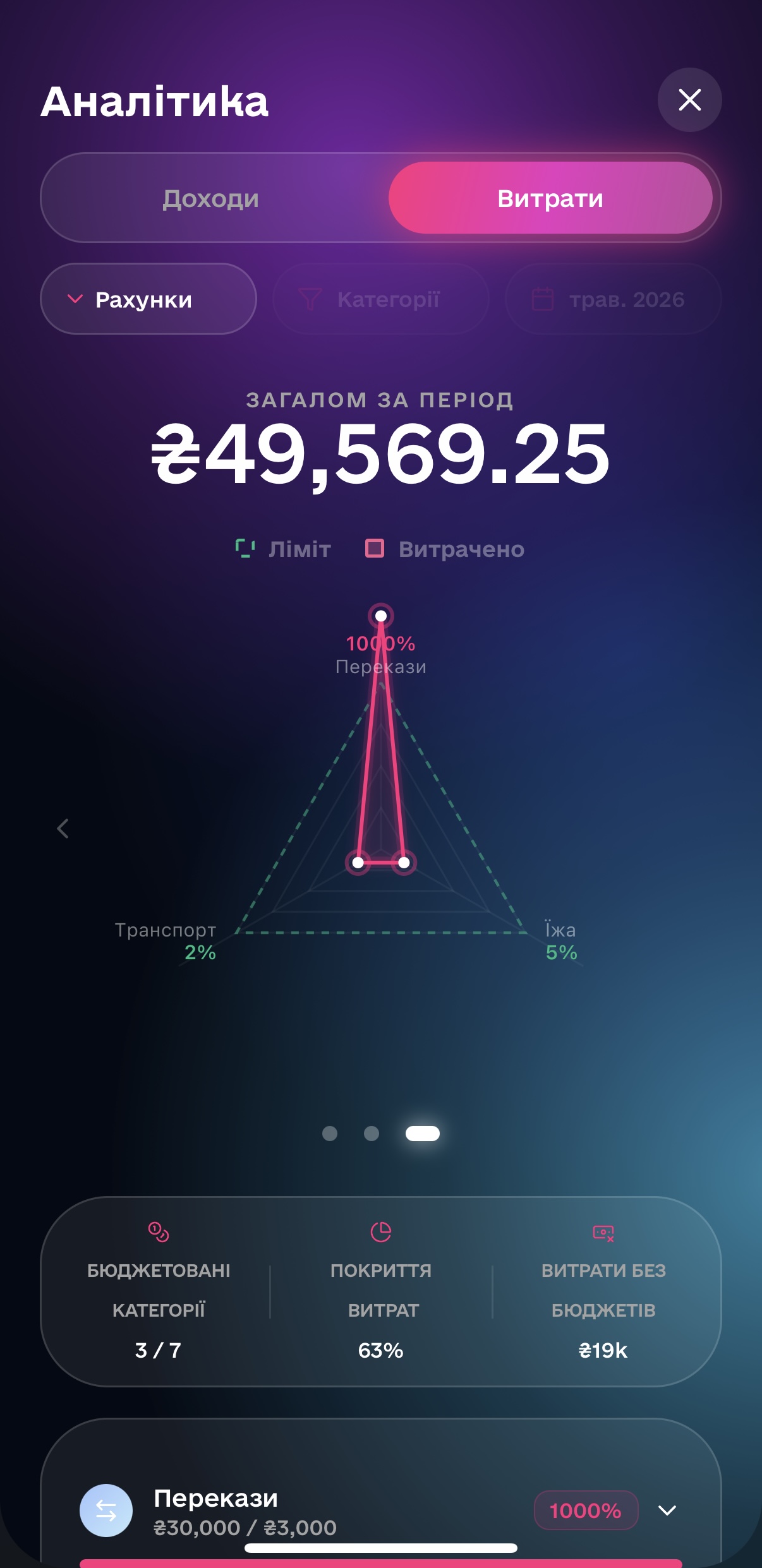
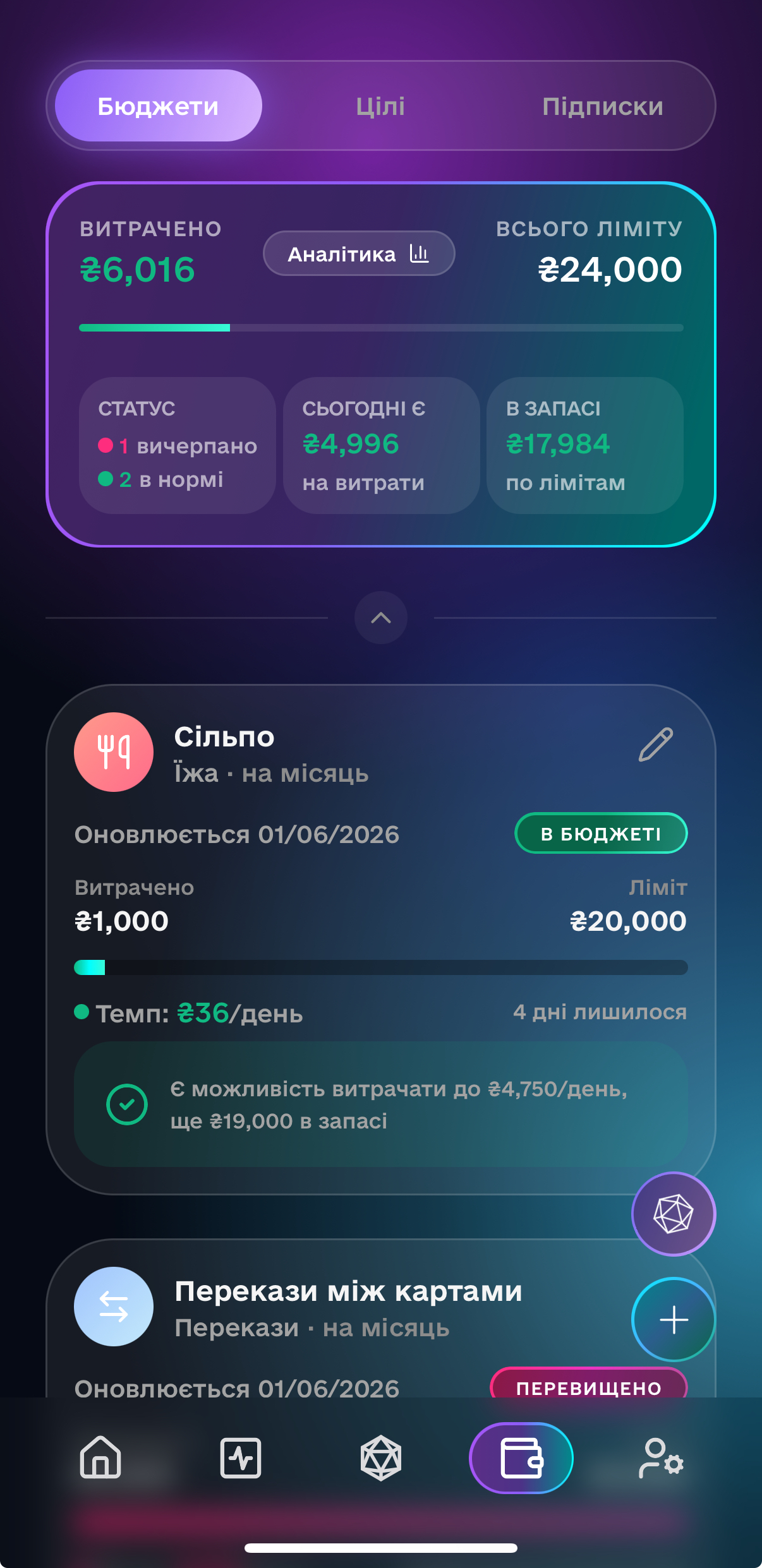
Set monthly spending limits per category. See exactly how much you have left — updated the moment a new transaction comes in.

Financial Goals

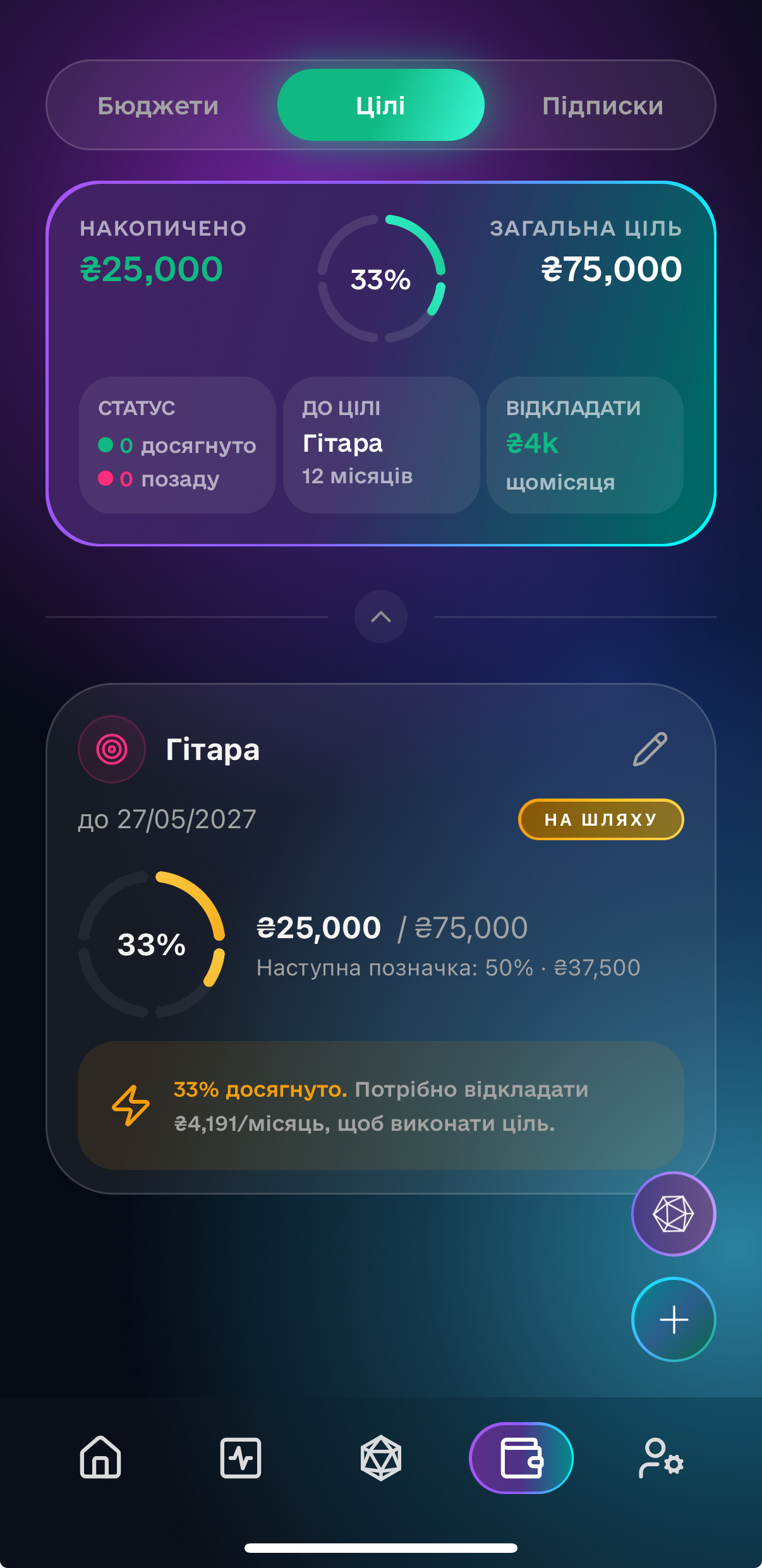
Define a savings target, set a deadline, and track your progress. Know exactly where you stand and what it takes to get there.

In-Depth Analytics

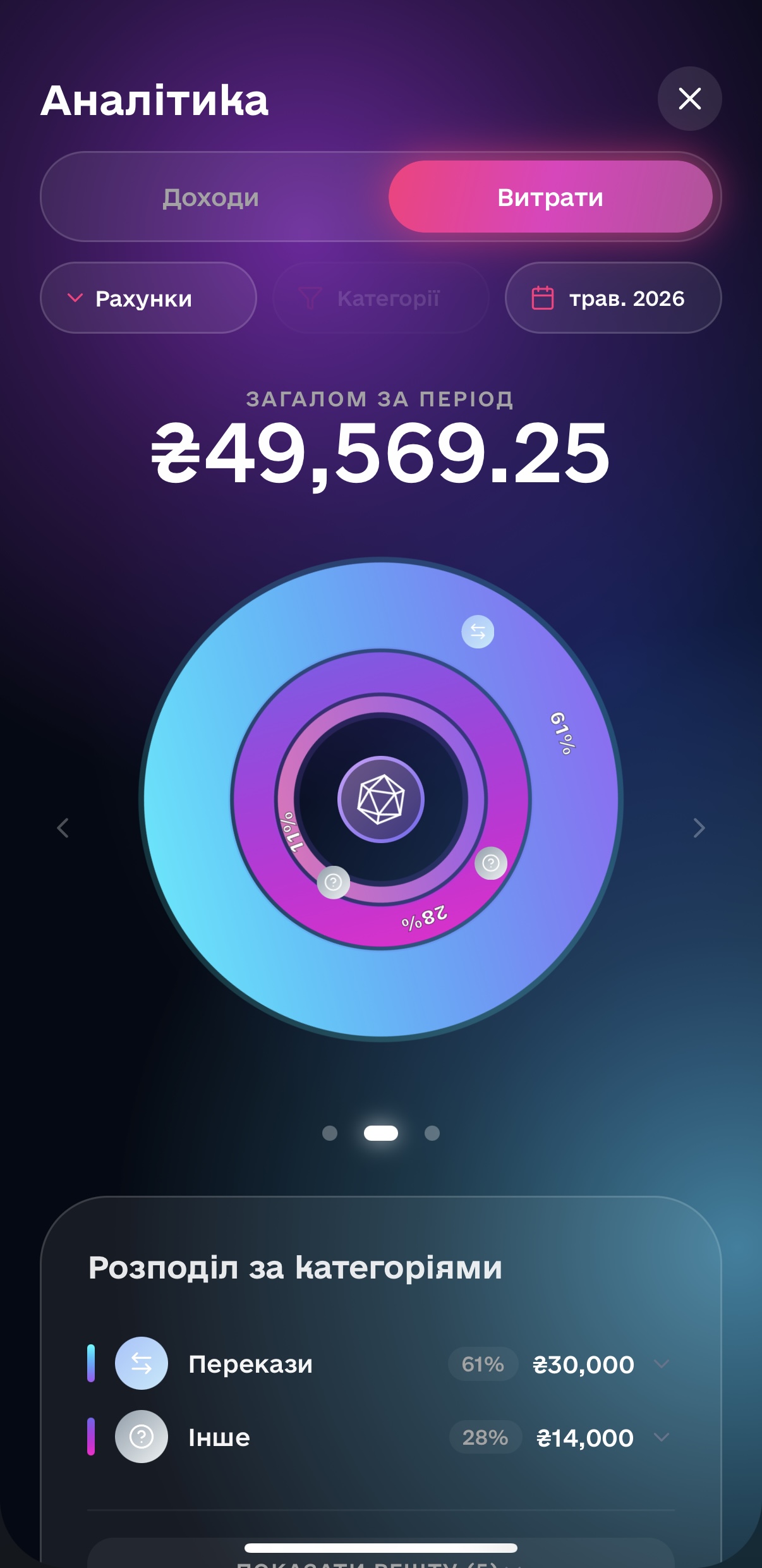
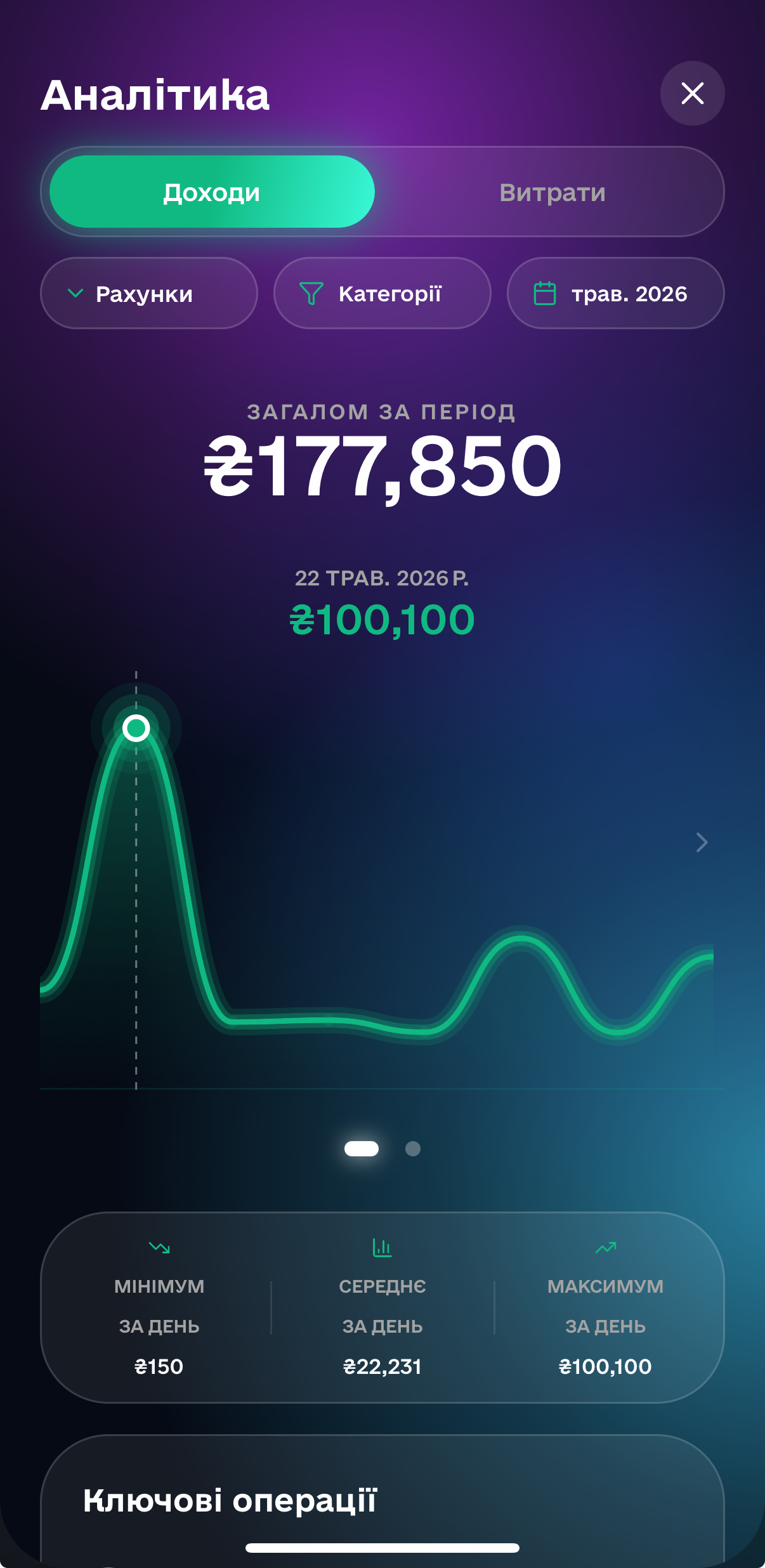
Follow your daily spend trends, review expenses categories distribution and spot unbudgeted transactions.

Bank Screen
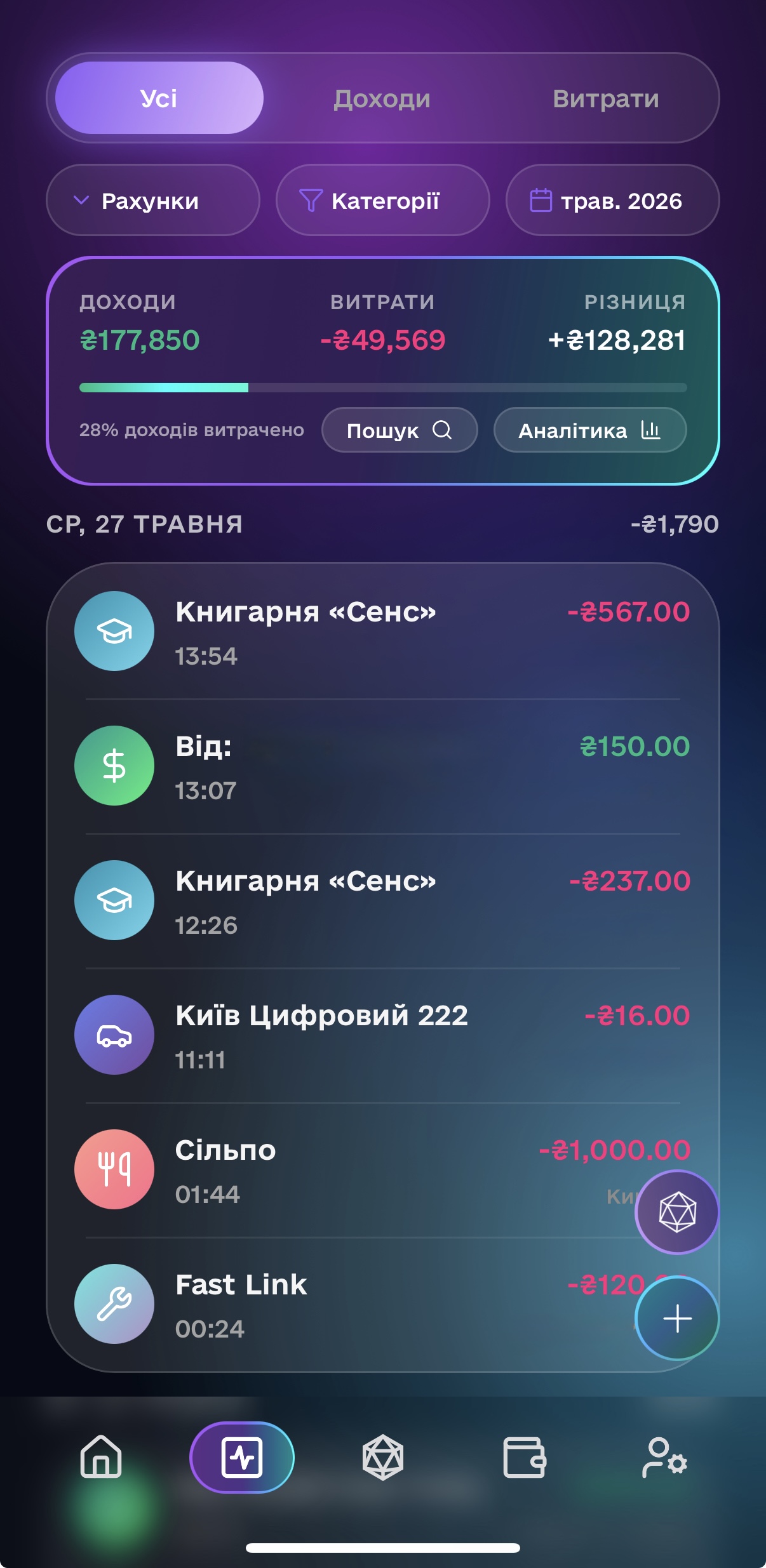
Transactions Screen

Sychronization in no time
with Monobank

Authorize once via Monobank's secure OAuth flow. All your accounts and cards appear immediately, with your full transaction history synced and auto-categorized.

The one who rules data
rules the STATOK

STATOK is built around strong data principles and ensures you get the most out of your wealth analysis. You can see your income and expenses trends, slide and dice the categories of your transactions and have a clear picture of your spending limits.

Categories Screen
Radar Screen
Analytics Screen
Goals Screen
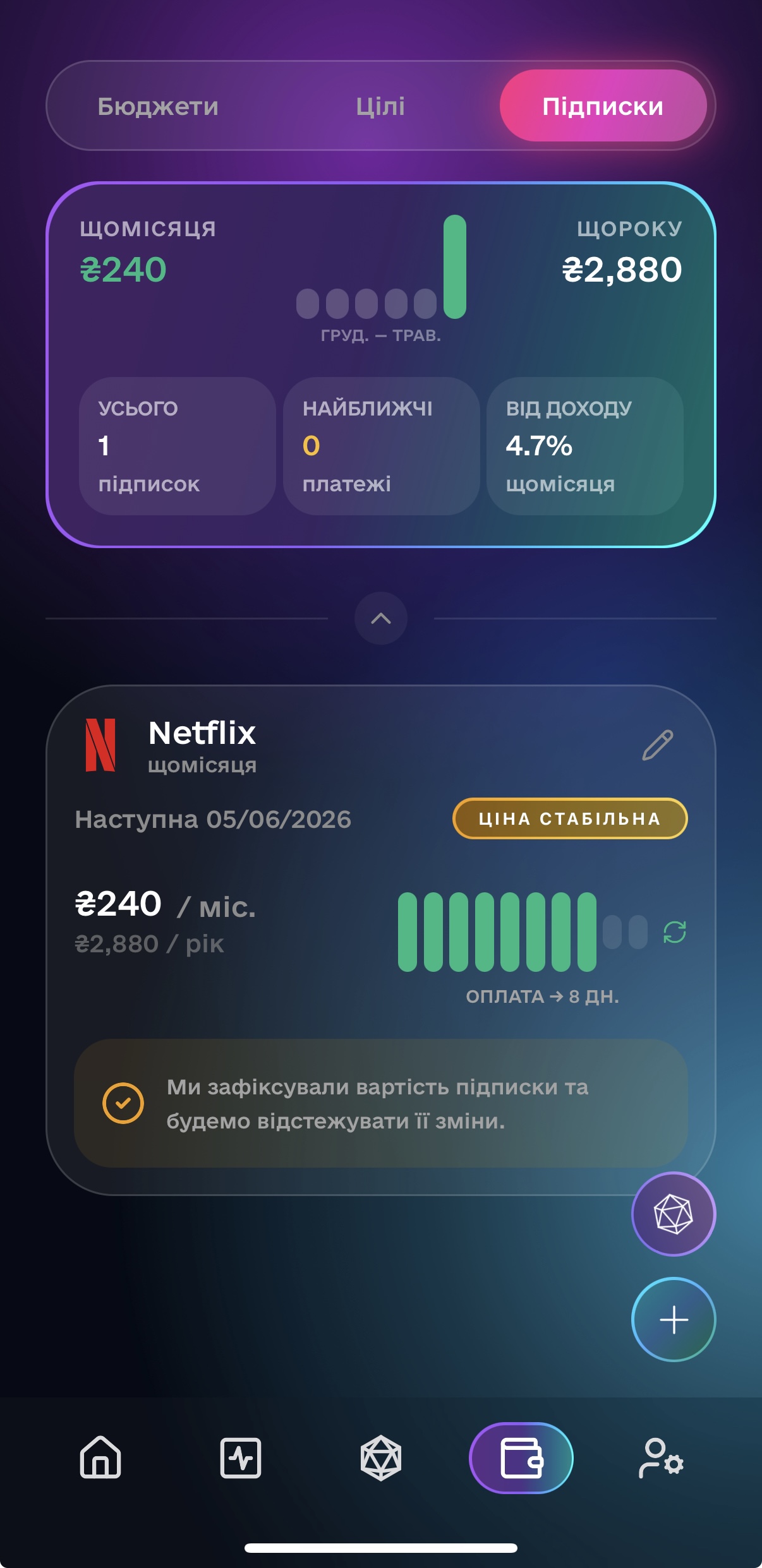
Subscriptions Screen
Budgets Screen

Plans that
actually stick

Set monthly spending limits per category and watch your progress update in real time as transactions come in. No end-of-month surprises.

Create savings goals with a target amount and deadline. Track how much closer you're getting with every deposit.

Up and running
in minutes.

No 6-month warmup period. No manual data entry. Connect your bank and you're ready — categorized history included.

Your Setup Journey

1
STEP 1

Create Your Account

Sign up with Google, Apple, or email. Takes 30 seconds. Your data is stored securely in the EU.

2
STEP 2

Connect Monobank

Authorize once via Monobank OAuth. All your accounts and full transaction history appear immediately.

3
STEP 3

Transactions Categorized

Every transaction is automatically sorted by merchant code, name, and AI. No manual work needed.

4
STEP 4

Set Budgets & Goals

Define monthly limits per spending category. Create a savings goal with a target amount and date.

5
ONGOING

Ask Your Money Manager

Chat with your AI assistant anytime. Spending summaries, budget advice, goal progress — it knows your history.

How did I do on dining out last month?
You spent ₴4,200 on restaurants. That's 15% less than October — you stayed within your dining budget. 🍔
Am I on track with my savings goal?
Yes — you've saved ₴12,800 of your ₴20,000 target. At this rate you'll hit it 3 weeks early. 🎯
Can I afford those new sneakers this week?
Tight but yes — you have ₴1,100 left in your "Shopping" budget. The sneakers would use most of it. 👟

Ask Anything.
Get Real Answers

No dashboards to dig through. No spreadsheets. Just type your question and get a clear, personalized answer.

Your assistant knows your actual spending history, current budgets, and savings goals. Ask about last month, this week, or what you can realistically afford right now. Conversations are saved — pick up where you left off.

Get the app

Take Control of Your Finances

Available on iOS and Android. Free to download.

Your data is stored securely in the EU · GDPR compliant · We never sell your data